
Moving from WordPress to Contentful is a bigger shift than most CMS migrations, because you're not just changing platforms, you're changing the entire model of how your website works. WordPress is a traditional, all-in-one CMS, your content and your website's presentation live together. Contentful is a headless CMS, it manages your content and delivers it through an API, but it has no opinion at all about how that content gets displayed. Someone still needs to build the actual front end.
If you're considering this move, here's what actually changes, and what to realistically expect going through it.
Why businesses make this move in the first place
Before getting into the mechanics, it's worth understanding why teams choose this migration, since it shapes how you'll want to approach it.
Some businesses outgrow WordPress's plugin-based approach to complexity, managing a pile of plugins to handle custom content structures starts to feel fragile, and they want a cleaner, purpose-built way to model structured content. Some need to deliver the same content across multiple channels, a website, a mobile app, maybe other digital touchpoints, and want a single content source feeding all of them rather than maintaining separate content for each. And some simply want more control and flexibility over their front-end technology, without being tied to WordPress themes and the PHP-based ecosystem underneath them.
If your reasons don't really match any of these, it's worth pausing to make sure this migration is actually solving a real problem for you, rather than being a switch made for its own sake.
What actually needs to happen
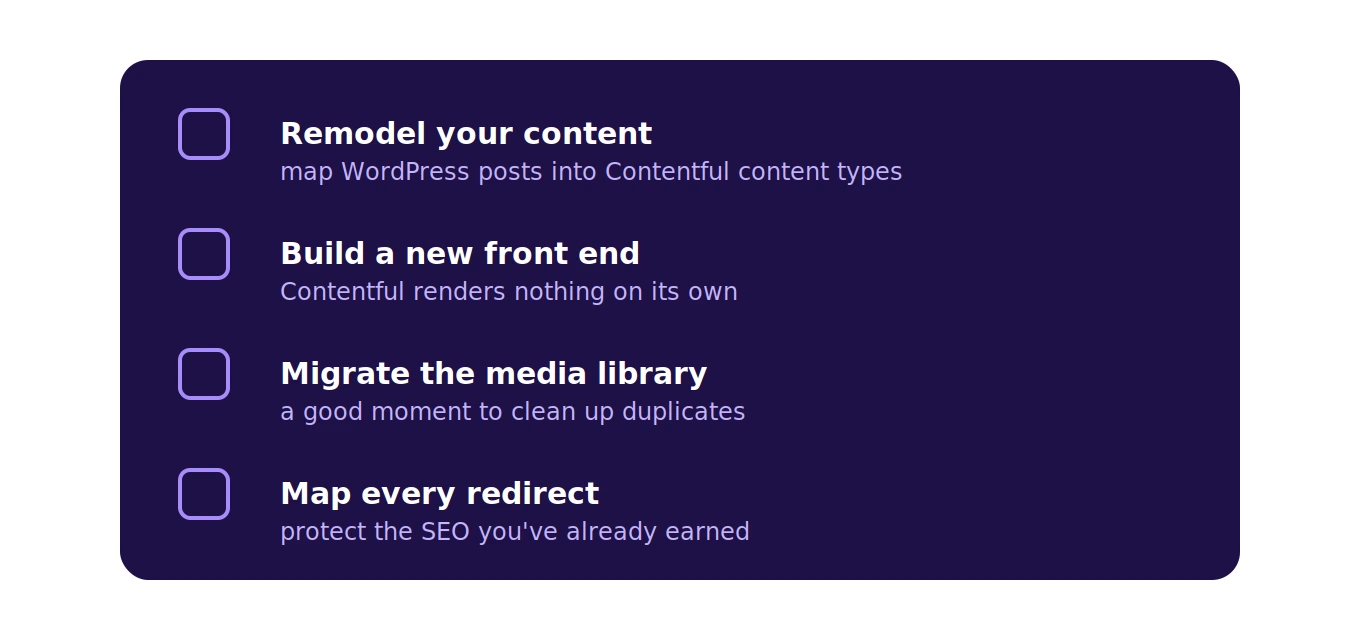
This migration involves more moving parts than a typical CMS-to-CMS switch, mainly because you're building something new on the front end, not just moving content into a new backend with a similar structure.
Your content needs to be exported from WordPress and restructured to fit Contentful's content modeling approach. WordPress's post-and-page structure doesn't map directly onto Contentful's more flexible content types, so this usually involves defining new content models in Contentful first (blog posts, authors, categories, whatever your actual content types are) and then mapping your WordPress content into that new structure, rather than a simple one-to-one import.
You'll need to build an entirely new front end. This is the part that catches people off guard if they're thinking about this as "just a CMS switch." Contentful doesn't render your website, so your team (or a development partner) needs to build a front-end application, often using a framework like Next.js, Gatsby, or similar, that fetches content from Contentful's API and actually displays it to visitors.
Your media library needs to move over too, and this is often more work than expected. WordPress media libraries can be large and disorganized after years of use, and Contentful's asset management works differently, so this is a good opportunity to clean up unused or duplicate media rather than migrating everything as-is.
And critically, your SEO needs careful handling throughout this process. URL structures often change when you move to a new front-end architecture, so proper redirect mapping is essential to avoid losing search rankings you've already earned.
What stays the same, and what doesn't
It's worth being clear about the tradeoffs here, since headless isn't automatically better, just different.
You'll lose the simplicity of WordPress's all-in-one editing experience for non-technical staff, at least initially. Contentful's editing interface is capable, but your content team will need to learn a new system, and initial content entry can feel less intuitive than WordPress's familiar block editor until people adjust.
You'll gain flexibility on the front end. Your development team gets to choose modern frameworks and build exactly the experience they want, without being constrained by WordPress themes or plugin limitations.
You'll lose WordPress's massive plugin ecosystem. Anything you were relying on plugins for, SEO tools, contact forms, specific integrations, needs to be rebuilt or replaced with a Contentful-compatible equivalent or custom development, since that convenience doesn't carry over.
You'll gain multi-channel capability if you need it. If you're planning to deliver content beyond just a website eventually, this migration sets that foundation in a way WordPress fundamentally isn't built for.
Realistic timeline and resourcing
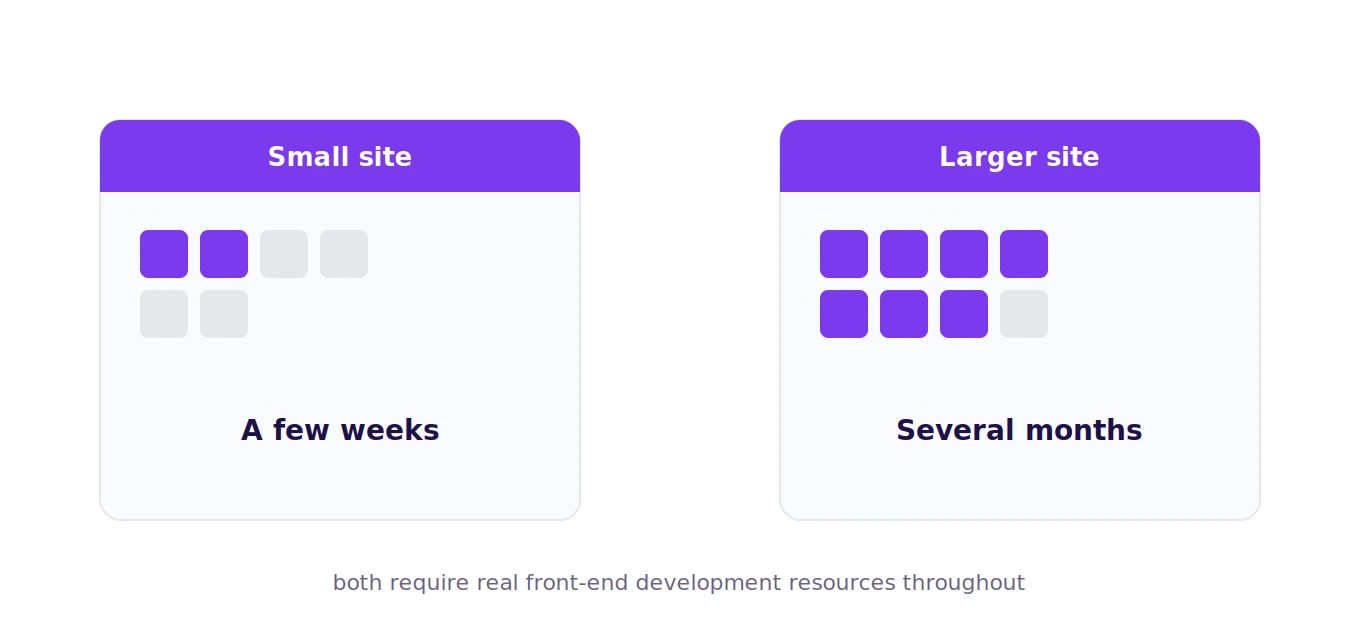
This is not a weekend project, and it's worth setting expectations accordingly. Between content modeling, content migration, building a new front end from scratch, and thorough testing, this typically takes meaningfully longer than a same-type CMS migration (WordPress to WordPress, for example), often stretching from a few weeks for a small site to several months for a larger, more complex one.
You'll also need front-end development resources for this project in a way that some CMS migrations don't require, since there's no theme system to lean on. If your team doesn't have this capability in-house, budgeting for a development partner is a necessary part of planning this migration realistically.
Is this migration right for you?
If you have genuine multi-channel content needs, want more front-end flexibility than WordPress themes allow, and have access to development resources to build a proper front end, migrating to Contentful can be a strong long-term move. If your needs are simpler, a single website with straightforward content, the added complexity of a headless setup may not be worth leaving WordPress's convenience behind.
If you've made this migration yourself, we'd genuinely like to hear how it went, what took longer than expected, and whether the tradeoffs were worth it in practice. Real migration experiences like that are exactly the kind of content we want more of on this blog.