
Moving from WordPress to Kentico is not a version upgrade or a plugin swap. It's a full replatform, and it helps to go in knowing that. WordPress is PHP-based and built around posts, pages, and plugins. Kentico, specifically Xperience by Kentico, is a .NET platform built around structured content types, a content hub, and an integrated marketing and commerce toolset. Almost nothing carries over automatically, so the quality of your planning matters more than the speed of your execution.
This checklist walks through the full process in the order things actually need to happen.
Before you start: decide if this is the right move
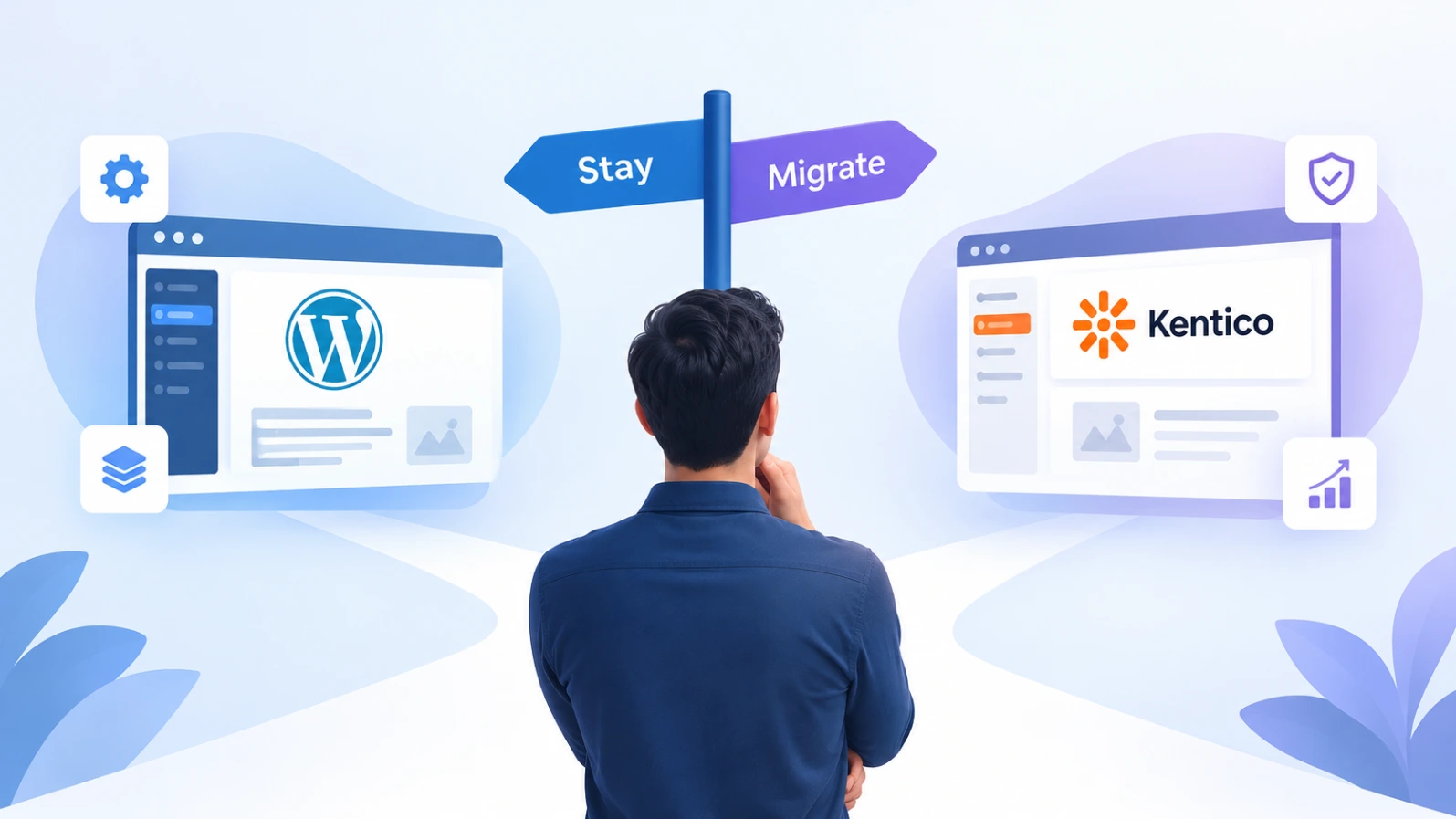
- [ ] Write down the specific problems WordPress isn't solving for you today (multi-site management, structured content, marketing automation, governance, scale)
- [ ] Confirm those problems are genuinely things Kentico solves better, rather than things better configuration or a different WordPress setup could fix
- [ ] Confirm you have access to .NET development resources, in-house or through a partner, since Kentico is a .NET platform and the talent pool is smaller than WordPress's
- [ ] Get a realistic budget and timeline from at least one experienced Kentico implementation partner, not just a vendor sales conversation
One honest note: Kentico's own migration pages describe a phased approach and mention that some clients go live in as little as 90 days. That's a vendor claim, and real timelines depend heavily on your content volume, integrations, and how much restructuring you're doing. Treat it as a best case, not a promise.
Audit your existing WordPress site
- [ ] Export a full list of every URL on your current site, including posts, pages, categories, tags, and media
- [ ] Identify content that's outdated, duplicate, thin, or no longer relevant, and decide what gets cut rather than migrated
- [ ] List every plugin you rely on and what each one actually does for you (SEO, forms, caching, e-commerce, membership, etc.)
- [ ] Document every third-party integration, such as your CRM, email platform, analytics, payment processors, and any custom API connections
- [ ] Note any custom post types, custom fields, and shortcodes, since these are usually the hardest part to translate
- [ ] Record your current SEO baseline: top-ranking pages, organic traffic, and backlinks, so you can measure the impact afterward
Plan your new content structure
This is where WordPress to Kentico differs most from other migrations. WordPress thinks in posts and pages. Kentico thinks in structured content types.
- [ ] Map each type of WordPress content to a Kentico content type (for example, blog posts, landing pages, product pages, team profiles)
- [ ] Decide which content belongs in Kentico's Content Hub for reuse across channels, and which belongs as page content tied to a specific URL
- [ ] Define the fields each content type needs, rather than recreating WordPress's one-size-fits-all editor
- [ ] Plan how categories and tags translate, since WordPress taxonomies and Kentico's structure don't map one to one
- [ ] Decide what happens to user roles and permissions, and how editorial workflows should work in the new system
Understand what Kentico's migration tooling does and doesn't cover
Kentico maintains an open-source Migration Toolkit with dedicated tools for platforms like Sitecore and Sitefinity, plus a Universal Migration Tool designed as a flexible base for importing from any external data source. There isn't a dedicated one-click WordPress tool in that set, so a WordPress migration typically means adapting the Universal tool or writing custom migration scripts to match your content model.
Kentico is also clear that these tools don't aim to cover every migration scenario, they reduce the effort rather than eliminate it. Plan for custom development work around your specific content structure.
- [ ] Confirm with your development partner whether they'll use the Universal Migration Tool, custom scripts, or a combination
- [ ] Plan to run migrations iteratively, starting with simple content and building up to complex pieces, and repeat until the output is right
- [ ] Budget time for manual cleanup, since automated migrations rarely produce perfect results on the first pass
Build the new platform alongside the old one
- [ ] Set up a staging environment for the new Kentico site, completely separate from your live WordPress site
- [ ] Build out your content types, templates, and page layouts
- [ ] Rebuild or replace the functionality of your essential WordPress plugins using Kentico's native features or custom development
- [ ] Reconnect your third-party integrations through Kentico's APIs and connectors
- [ ] Keep your live WordPress site running unchanged while you build, so there's no downtime during development
Migrate your content
- [ ] Run test migrations of a small sample of content first and review it carefully
- [ ] Check that formatting, images, embedded media, and internal links survive the move
- [ ] Migrate your media library, and take the opportunity to remove unused or duplicate files
- [ ] Migrate metadata field by field, including titles, descriptions, and alt text
- [ ] Have your content team review migrated content, since people catch problems automated checks miss
Protect your SEO
This is the part most likely to cause lasting damage if skipped.
- [ ] Map every old WordPress URL to its new Kentico URL
- [ ] Set up 301 redirects for every mapped URL, not just your top pages
- [ ] Carry over title tags, meta descriptions, canonical tags, and structured data
- [ ] Rebuild your XML sitemap and confirm it reflects the new site structure
- [ ] Check that your robots.txt isn't accidentally blocking anything on launch
- [ ] Run a crawl of the staging site to catch broken links and redirect chains before they reach production
Test before you launch
- [ ] Test every form, search function, and interactive element end to end
- [ ] Check mobile responsiveness across real devices
- [ ] Run page speed and Core Web Vitals checks and compare them to your WordPress baseline
- [ ] Review accessibility, especially if your organization has compliance obligations
- [ ] Train your content team on the new editing experience before launch day, not after
- [ ] Confirm user roles, permissions, and approval workflows behave the way you planned
Launch and monitor
- [ ] Choose a launch window with the lowest traffic you can find
- [ ] Switch DNS, then immediately verify redirects, forms, and key pages on the live site
- [ ] Submit your new sitemap in Google Search Console
- [ ] Monitor crawl errors, indexing status, and 404s closely for the first few weeks
- [ ] Keep your old WordPress site accessible in a backup state for a while, in case you need to reference or recover something
- [ ] Compare organic traffic and rankings against your baseline over the next one to three months, and expect some short-term fluctuation
A final honest note
A WordPress to Kentico migration is a significant project, not a quick swap. It tends to make the most sense for organizations that have genuinely outgrown WordPress's structure, need stronger governance, multi-site management, or integrated marketing tools, and have the development resources to support a .NET platform. If those don't describe you, it's worth pressure-testing whether the move is solving a real problem before committing to the effort.
If you've been through this migration yourself, we'd genuinely like to hear how it went, what took longer than expected, and what you'd do differently. Real migration stories, including the messy parts, are exactly what we want more of on this blog.